
NEWTECHSideloading
Browsy 1.4: Collections, Favorites, and Codes That Work for Everyone
Build collections on the web, save favorites in the app, and share codes that work even without Browsy installed. Everything new in 1.4.0, explained.
Install apps that aren't in the Amazon Appstore, safely and step by step.
Build collections on the web, save favorites in the app, and share codes that work even without Browsy installed. Everything new in 1.4.0, explained.
 Sideloading
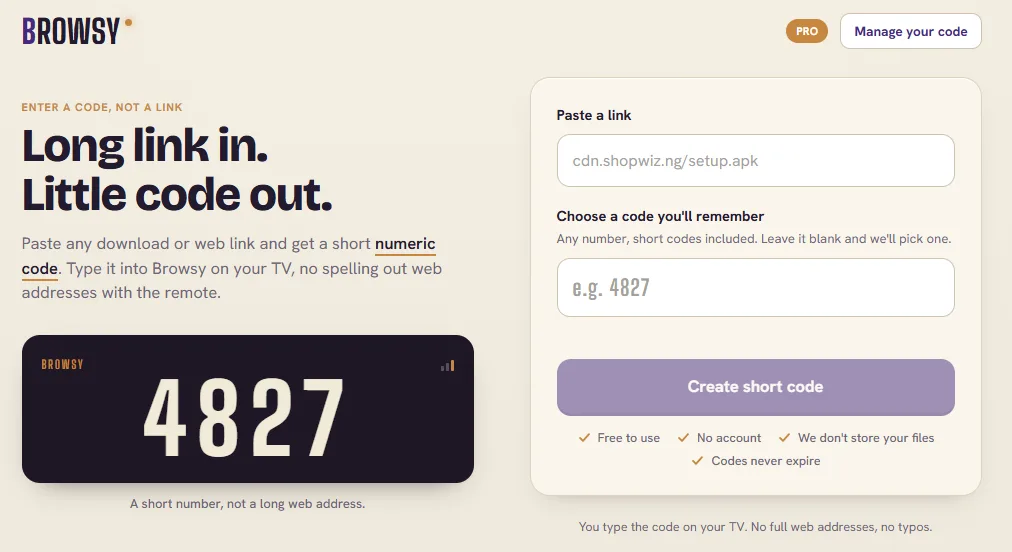
Every Browsy code for 2026 in one place, all 69 of them, grouped by category. Type the number, Browsy safety-scans the app, and installs it. The full list for ONN boxes, Android TV, and Android phones.
Browsy is our free app installer on the Google Play Store, so it lands on an ONN box in seconds. Here is how to install it, the codes that come ready to go, how to build your own codes at Browsy.app, and the two safety scans that check every app before it installs.
 Sideloading
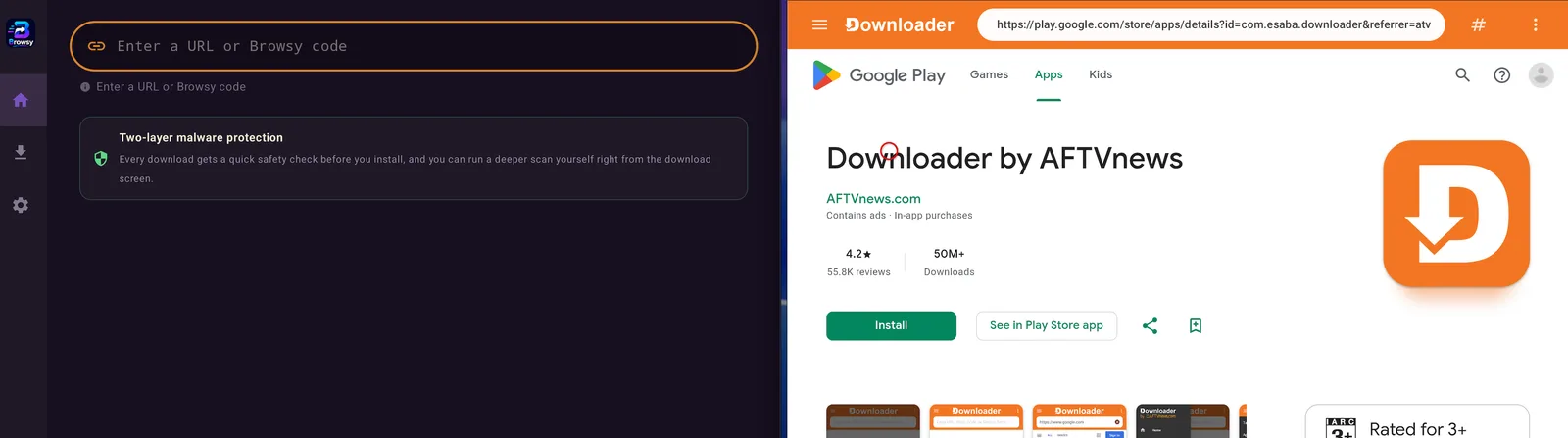
Downloader installs whatever you point it at without checking a thing. Browsy scans every app automatically, adds a Deep scan you run yourself, and lets you create and re-point your own codes. Here is the honest comparison, including the one place Downloader still wins.
Share apps with LinkDrop on compatible Fire TV Sticks, open the library fast, and fix blocked installs or Vega OS compatibility problems.
My evergreen guide to the best Firestick app store options: Downloader, Unlinked, and the New Store wizard, plus how to open each one.
My step-by-step Downloader method for installing APKs on Firestick, deleting install files, and opening sideloaded apps.
Show Firestick Developer Options by tapping your device name eight times, then turn Install Unknown Apps on for Downloader or another app.