
How to Install Clip Box on Firestick, Android TV, and ONN 4K (Free 4K Movies and TV Shows)
Install Clip Box on Firestick, Android TV, and ONN 4K for free movies and TV shows in up to 4K, set up through LinkDrop, TV Wizard, or Browsy.
If you want a clean, free app for movies and shows on your Fire Stick or ONN box, Clip Box is an easy one to live with. No subscription, no sign-up, and it streams in up to 4K. Install it, open it, and start watching. Here is how to get it on any of your devices in a couple of minutes.
What Clip Box is
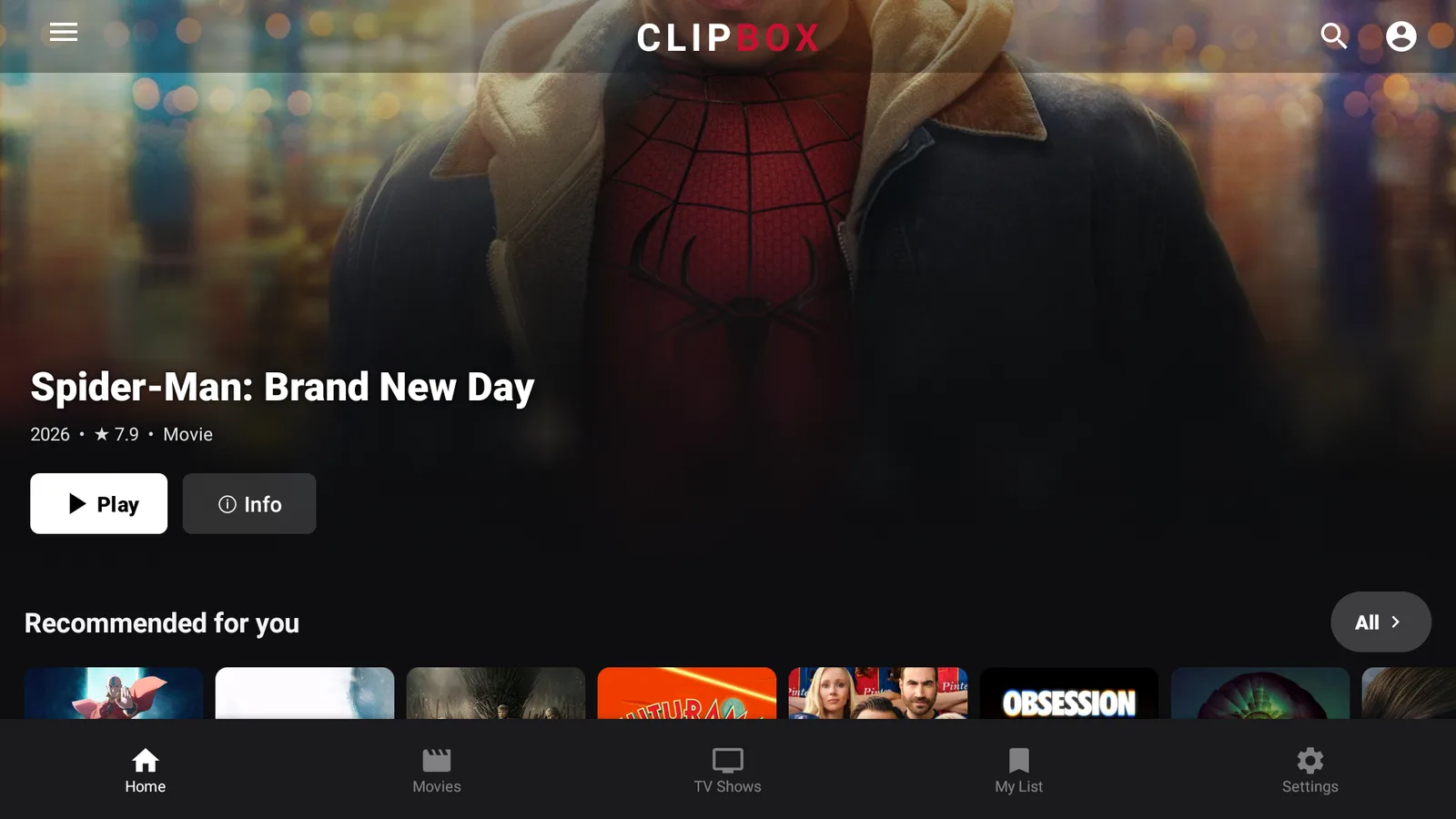
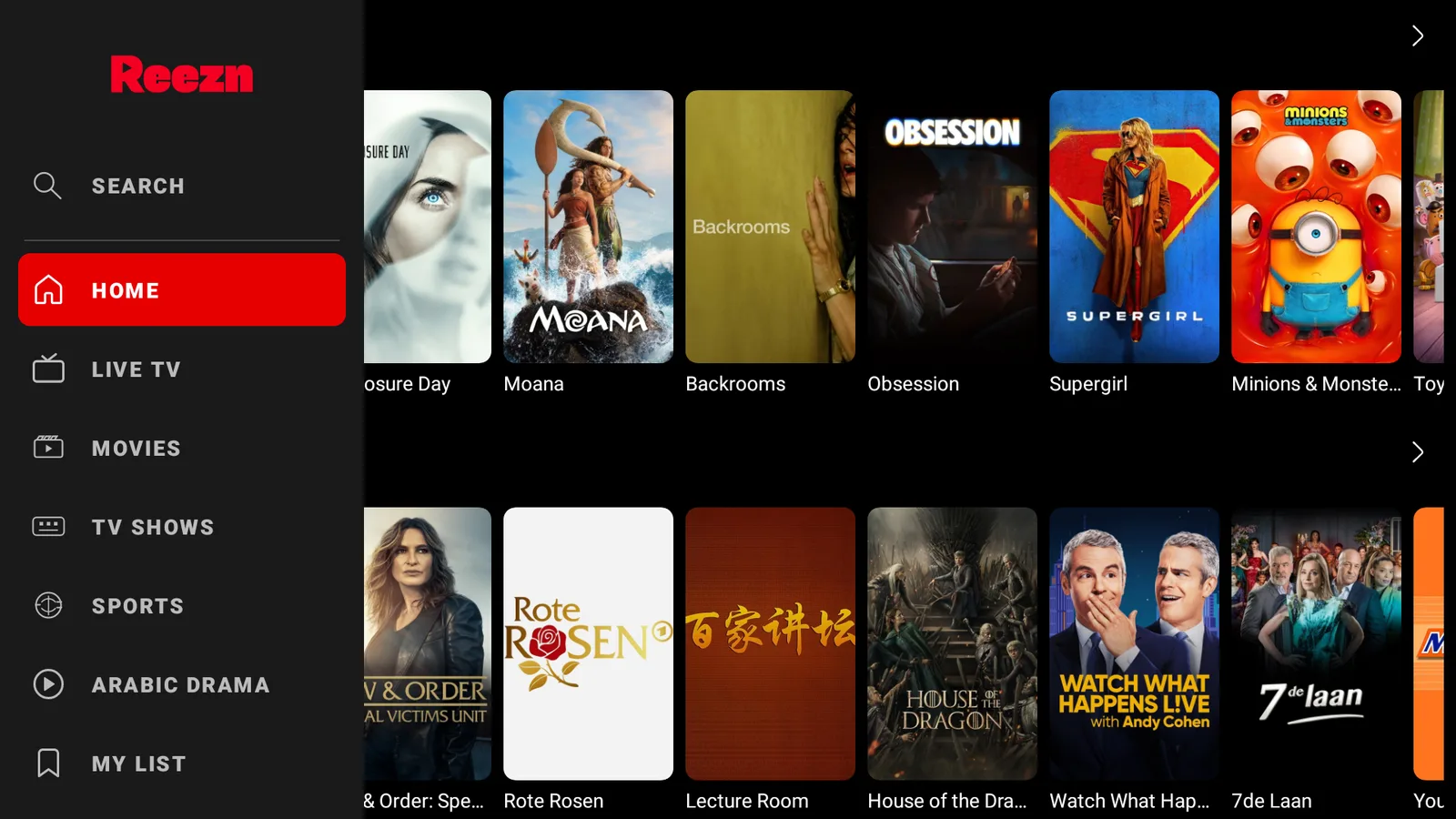
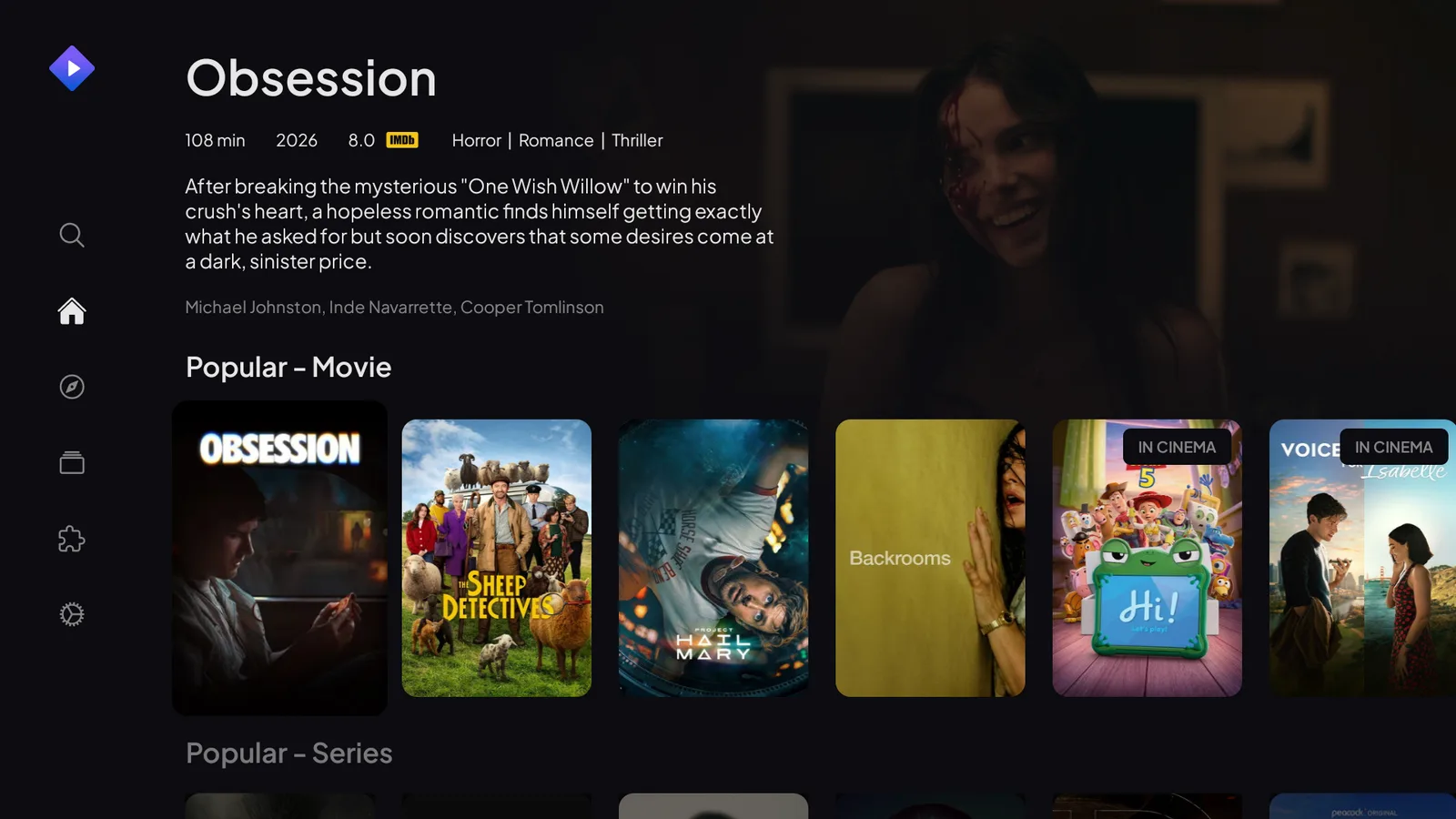
Clip Box is a free on-demand app for movies and TV shows, with a tidy layout of posters, categories, and a search bar. If you have used StreamFlix or Moviebox, it will feel instantly familiar, just sharper. A few things it does well:
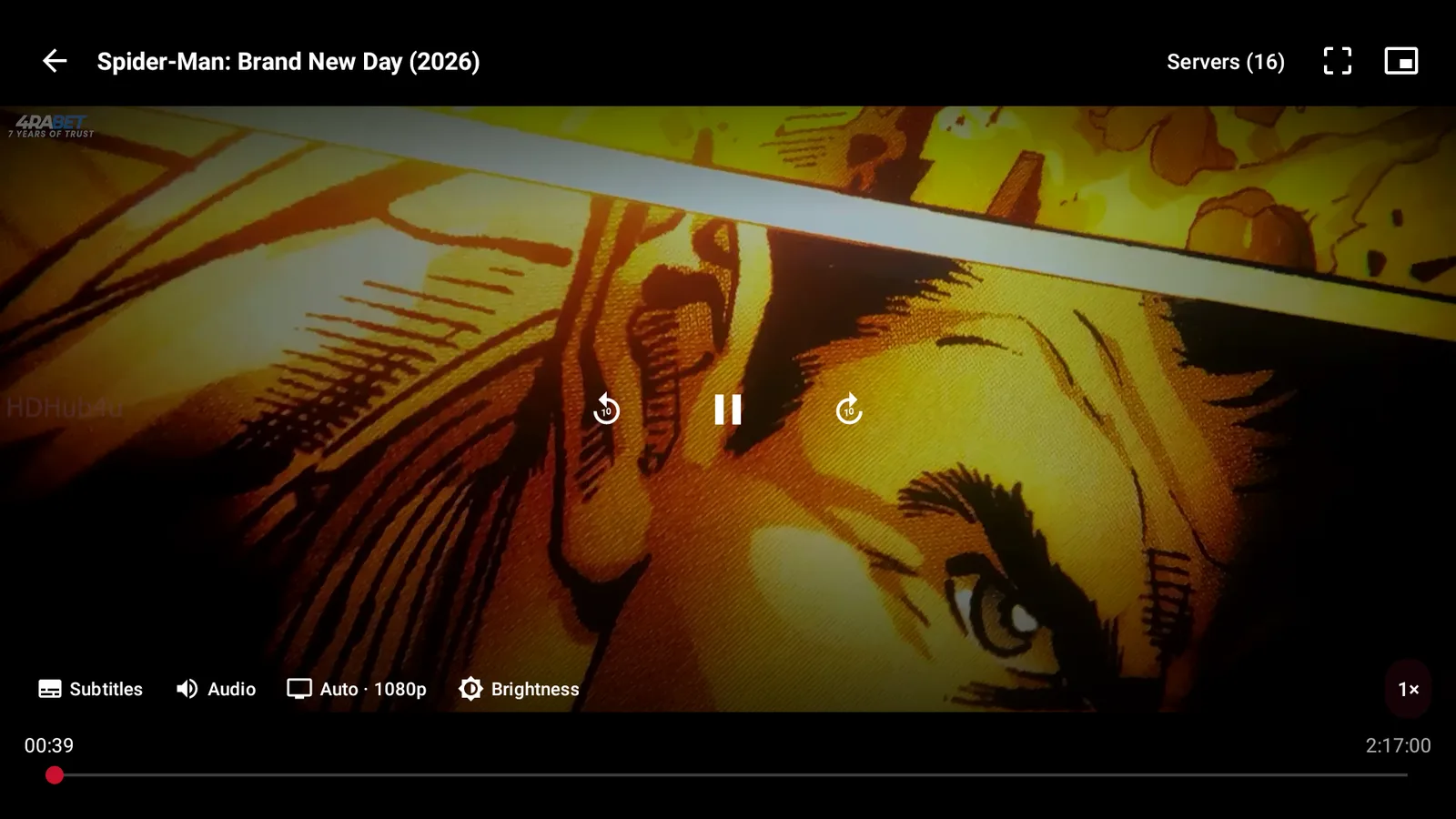
- Streams in up to 4K. It plays at the highest resolution the source offers, up to 2160p, and you can pin your preferred quality so playback starts there every time.
- Picks the best source for you. It ranks the available streams, plays the strongest one, and quietly falls back to another the moment one stalls.
- Casts to your TV. Native Chromecast and DLNA support, and your subtitles carry across when you cast.
- Handles subtitles automatically. It finds them, keeps them in sync, and can translate them into your language.
- Remembers where you were. A watchlist that syncs across devices, auto-resume, and picture-in-picture.
- Free, and private. No subscription, no account, nothing to pay. No tracking and no data selling.
Install Clip Box on a Fire Stick
Clip Box is not in the Amazon store, so you install it through our free tools. Easiest first:
- Open Downloader and type newstore.tv to install TV Wizard, our setup app that drops the app stores in for you.
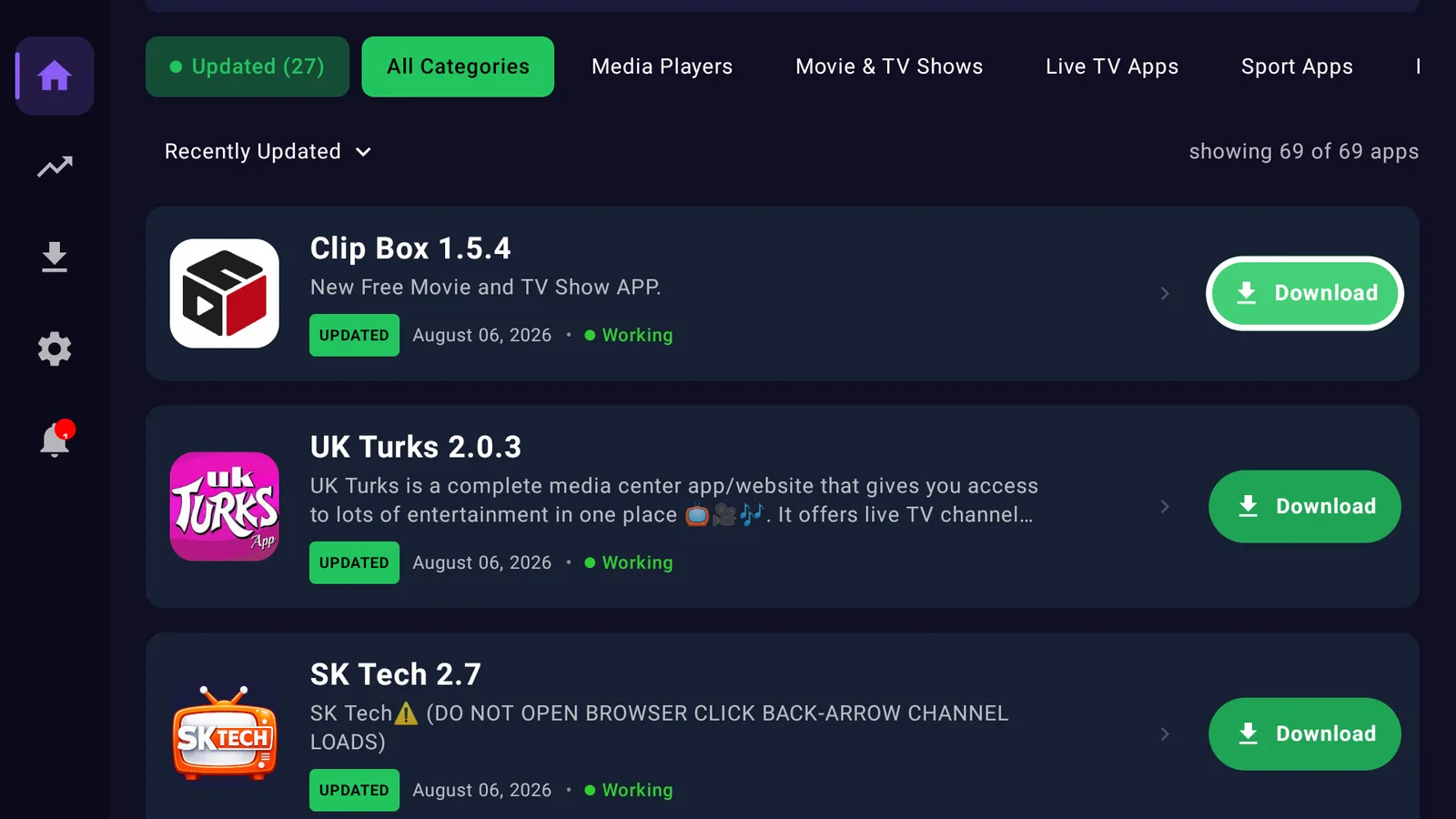
- Or open LinkDrop at linkdrop.store, click Explore the collection, and find Clip Box.
- Select Install, let it finish, and open it.
First time sideloading? Our plain guide covers every tap: how to sideload apps.
Install Clip Box on an ONN 4K or Android TV box
ONN boxes make it even quicker.
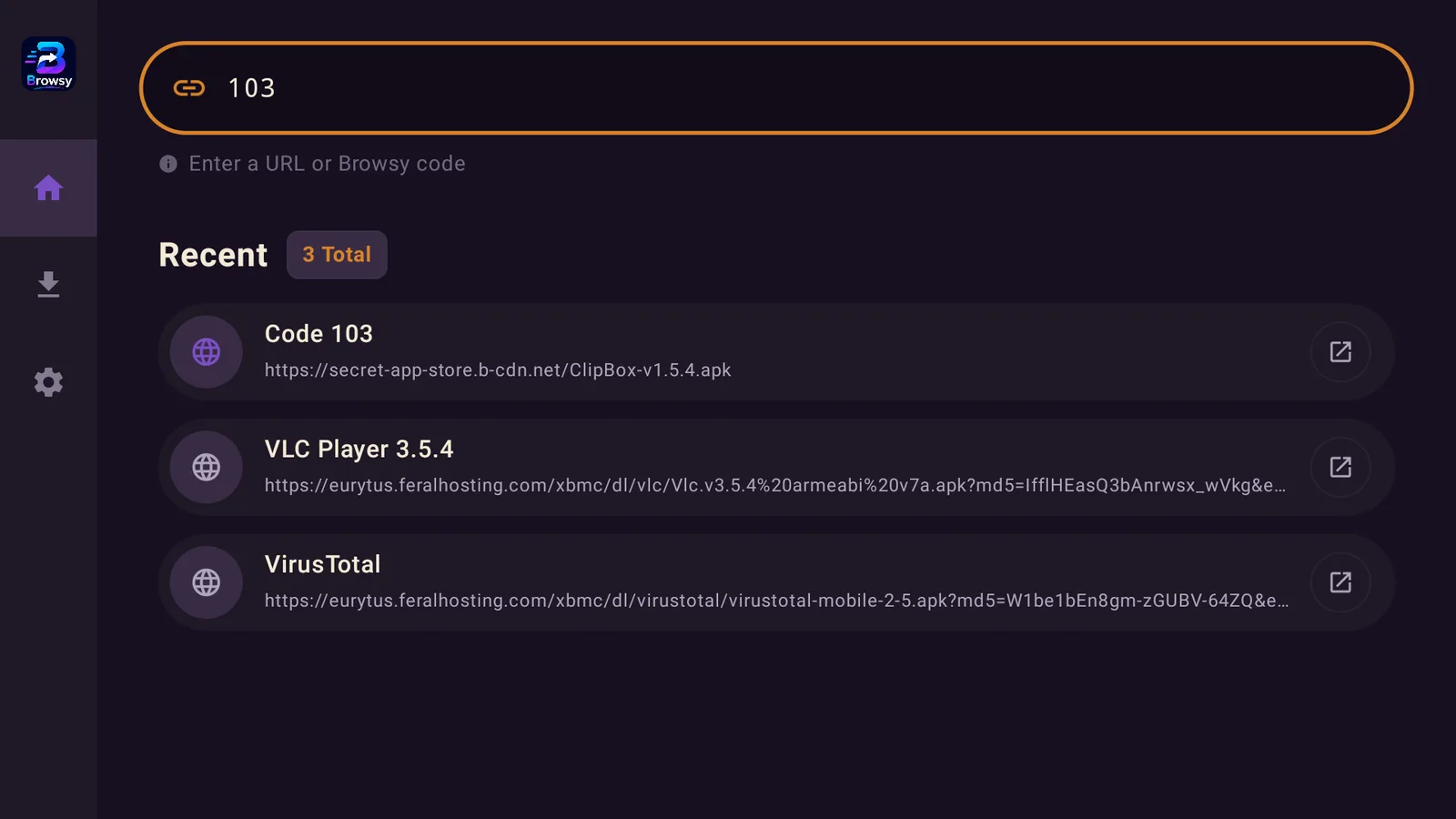
- Install Browsy from the Google Play Store and use its Clip Box code 103, or
- Open LinkDrop on the box and install Clip Box from the collection.
Open it once it lands and you are ready to watch. New to the ONN box? See ONN 4K vs Fire Stick.
Turn on your VPN first
On any app like this, connect a VPN before you stream. Without one your provider can see what you watch and quietly throttle it, which is what most buffering actually is. We use IPVanish on a United States server. Here is why a VPN matters.
If Clip Box will not play
- Reconnect your VPN and try again.
- If a title will not play, pick the next source down the list.
- Restart the Fire Stick or ONN box if it has been running a while.
- Reinstall the latest Clip Box from LinkDrop.
If an app is installed but simply will not open, that is a separate block with its own fix: when an app won't open.
Stay private on your Fire Stick with IPVanish
It's the VPN I run on my own Fire Stick. It hides what you stream and sideload from your internet provider, and unblocks a lot more.
Frequently asked questions
Is Clip Box free?+
Yes. Install it from LinkDrop or through TV Wizard and there is nothing to pay. No account, no subscription.
Does Clip Box work on ONN and Android TV?+
Yes. Install Browsy from the Play Store and use the Clip Box code 103, or open LinkDrop on the box.
Does Clip Box stream in 4K?+
Yes, up to 2160p when the source offers it. You can pin your preferred quality so it starts there every time.
Can I cast Clip Box to my TV?+
Yes. It supports Chromecast and DLNA, and your subtitles carry across when you cast.
Comments0
Join the conversation. Be kind, and no piracy talk.